QR Code Headstones: Bringing Digital Memorials to the Graveside
A thoughtful guide to QR-linked graveside memorials: seeking cemetery approval, choosing what to share, making a page accessible, and keeping family photographs and recordings in independent copies.
A compatible device voice is not available. You can still read this article on screen.
 Family Heritage
Detailed article
Use the text-size control at the top for larger text, or switch back to Easy Read at any time.
Bridging the Physical Stone and Living Remembrance
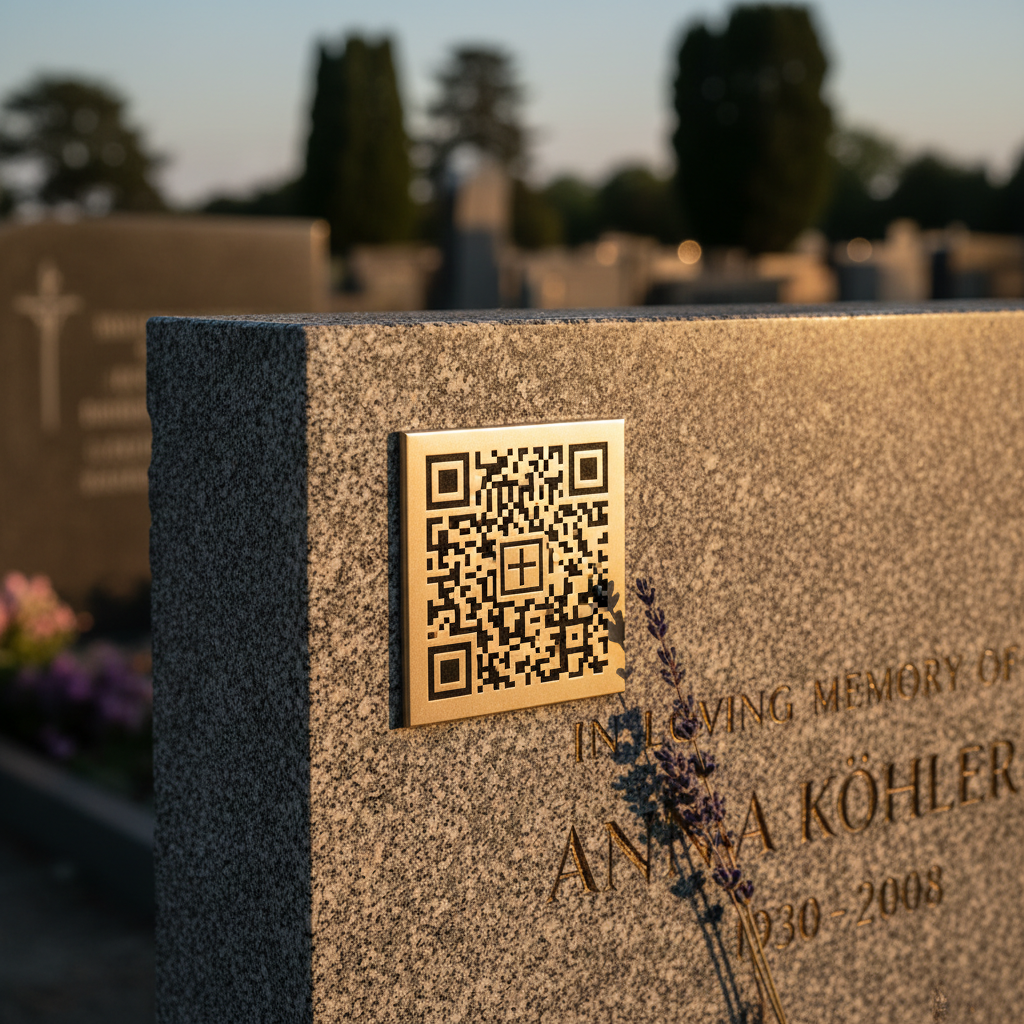
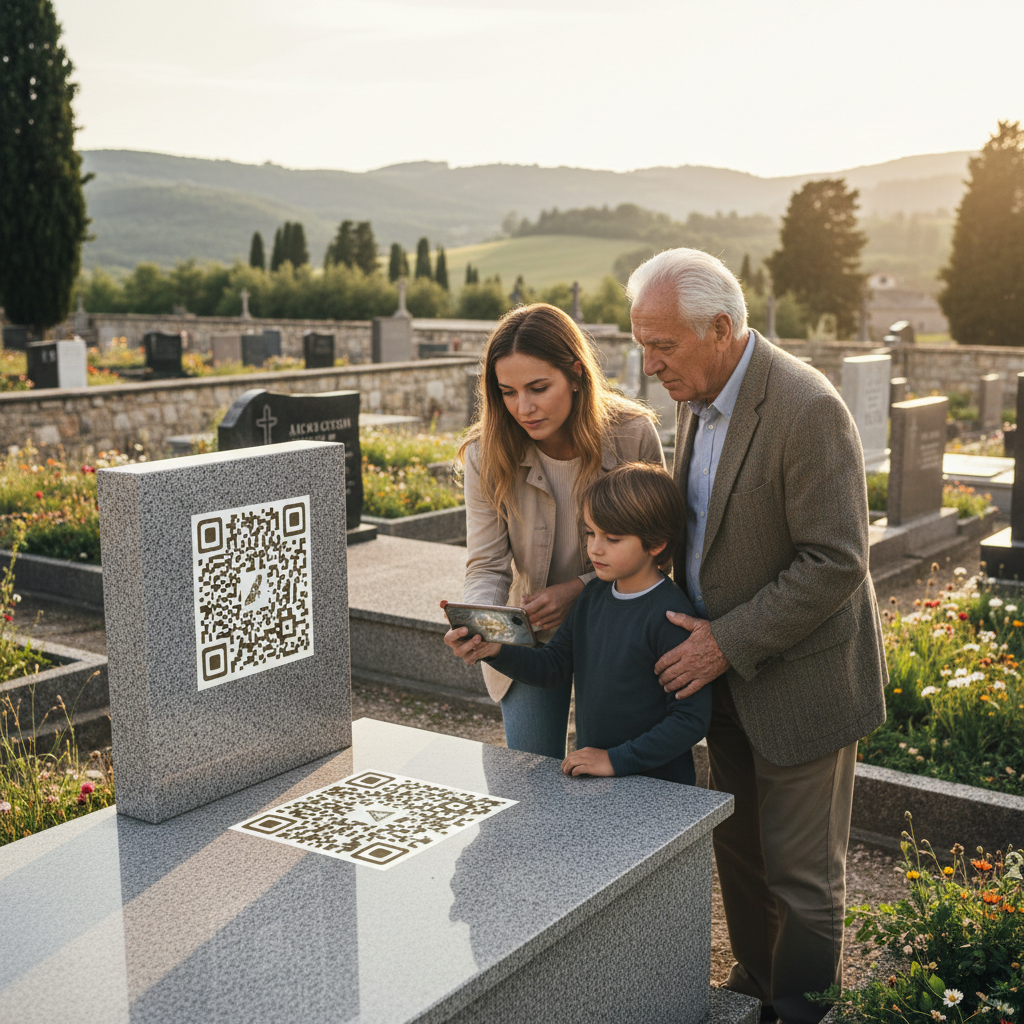
A headstone offers a brief, enduring point of remembrance; a digital memorial can hold more context, such as photographs, a written story, or a short audio recording. A QR code is simply a scannable link between the two. It does not itself preserve the material behind it, and the link works only while the code can be read and the destination remains available. Treat it as an invitation to visit a family archive, not a guarantee of permanence.
For relatives who want to explore this idea, the first steps are not choosing a plaque or uploading everything. They are checking cemetery rules, discussing what the family is comfortable sharing, and deciding who will care for the digital page and its source files.
Begin with cemetery permission
Before attaching anything to a monument, contact the cemetery office or governing authority. Ask whether QR plaques or any additional marker are permitted, who may authorize the change, whether an application or approved installer is required, and what dimensions, placement, materials, or fees apply. Rules vary by cemetery. Exeter City Council, for example, says the person seeking a memorial must hold the burial right or have the holder’s permission, and it sets conditions for memorials. Its rules are local, not a universal standard.
Ask how maintenance staff will handle the plaque and whether the proposed fixing method could affect the stone or create a hazard. Do not drill, glue, or fasten a sign on your own. Even a small addition may conflict with cemetery policy, conservation needs, or the wishes of the person responsible for the grave. If the office does not allow a plaque, a printed card for family visits or a link shared privately may provide a respectful alternative without changing the monument.
It is also worth asking how long the marker may remain in place, who is responsible if it loosens or becomes illegible, and what happens if the grave or memorial is repaired. A cemetery’s permission to install an object is not a promise that it will remain untouched forever. Keep written approval and any installation instructions with family records.
Decide what the memorial should contain
Start with one clear purpose: perhaps identifying a few family photographs, preserving a story about a place, or sharing a recording made with permission. Select only material that serves that purpose. A page does not need to tell a person’s whole life, and relatives should not feel obliged to contribute memories or disclose private family history.
Before posting photographs, letters, recordings, or details about living relatives, ask the people involved when practical. Consider whether an image reveals a home address, a child’s school, health information, or another sensitive detail. The UK Information Commissioner’s Office advises people to consider who may see material shared online, check privacy settings, and get people’s consent before uploading their pictures or personal information.
Choose access deliberately. A public page is easy for visitors to open but can be copied or passed along. A restricted page can limit an audience, yet may require accounts, passwords, or technical help that some visitors do not have. Ask the host what “private” means in practice: who can view the page, whether search engines can find it, whether visitors can download or share items, and how comments are handled. Avoid assuming a page is private merely because the link is hard to guess.
Make a simple page that works for visitors
A graveside visit may be brief, and not everyone wants to use a phone while standing outdoors. Keep the first screen uncluttered. Identify whose memorial it is, say what visitors will find, and provide a few clearly labelled choices such as “Read the story,” “View photographs,” or “Listen to a recording.” Use readable text and strong contrast. Keep paragraphs short, and include captions or a written transcript for audio so that the memory is still accessible to someone who cannot or does not wish to listen.
Do not make the page depend on one person’s login or one device. Arrange for a trusted family member to know how to update basic details, respond to a removal request, and recover the account if the original organizer is unavailable. Use a strong, unique password and keep recovery information current. Review the page periodically from a phone, and, if possible, ask a relative with a different device to try the link. A page that opens in one person’s browser may still have access settings or display problems for other visitors.
Test the printed code at its actual size and location before installation, using more than one ordinary phone if possible. Check that the code leads directly to the intended page and that the page is legible in outdoor light. Avoid placing important text only inside an image. If the link changes, the code may stop working; ask the host whether an address can be redirected and who would manage that change. No QR code can solve a discontinued website or a lost account by itself.
Keep an independent family copy
A hosted memorial is convenient for visitors, but it should not be the only home for meaningful photographs, text, or recordings. The Library of Congress’s personal digital archiving resources describe choosing formats and adding descriptions to family digital materials. The National Archives’ file-type guidance documents commonly used formats for audio and other digital records. For a family archive, keep original files as well as easy-to-open copies where practical, and label them with names, dates, places, and any uncertainty about identification.
Save copies somewhere other than the memorial website. For example, a family might keep one copy on a computer and another on a separate drive stored elsewhere, then check occasionally that the files still open.
Include a short note explaining who maintains the page, where original files are kept, and what the family would like done if the host becomes unavailable.
A few questions before you scan
Before installation, confirm permission in writing and make sure the person authorized to approve it has agreed. Before publishing, review the page with family members who are represented in it, and decide which parts should remain private. Before sharing the code, test it on a second phone and consider whether visitors can still remember the person without using a device. Before calling the archive complete, save copies of the content and note who will look after them.
The stone and the digital page serve different purposes. One marks a resting place; the other can offer stories to relatives who want to spend time with them. With permission, careful choices, and realistic expectations about online services, a QR link can connect those forms of remembrance without asking it to promise more than technology can deliver.
Sources and Further Reading
Reading path
Continue this topic
Six gentle starting points for sharing condolences, planning a personal memorial, inviting people across distance, and returning to memory in your own time.
Pillar guides in this path
A gentle next step
Create a memorial when the time is right
A private memorial can hold a life story, photographs, and messages from the people who care.
“Thank you for sharing this quiet moment of reading with us.”
Every piece in the MemContinuity library is preserved to spark gentle conversations, honor generational memory, and support the health and comfort of our families.
MemContinuity editorial team
MC-HERITAGE-20260728-054 · Publication archive reference
Cross-device reading sync
Sign in to your MemContinuity account to optionally sync your article reading progress across your phone, tablet, and computer.
Themes & topics
Editorial guidance & care
Our publications are designed to be practical, gentle, and respectful. For specific medical, mobility, or travel arrangements, we recommend consulting local providers or relevant municipal services.
Continue with purpose
Part of a curated reading journey
Related publications
 Family Heritage
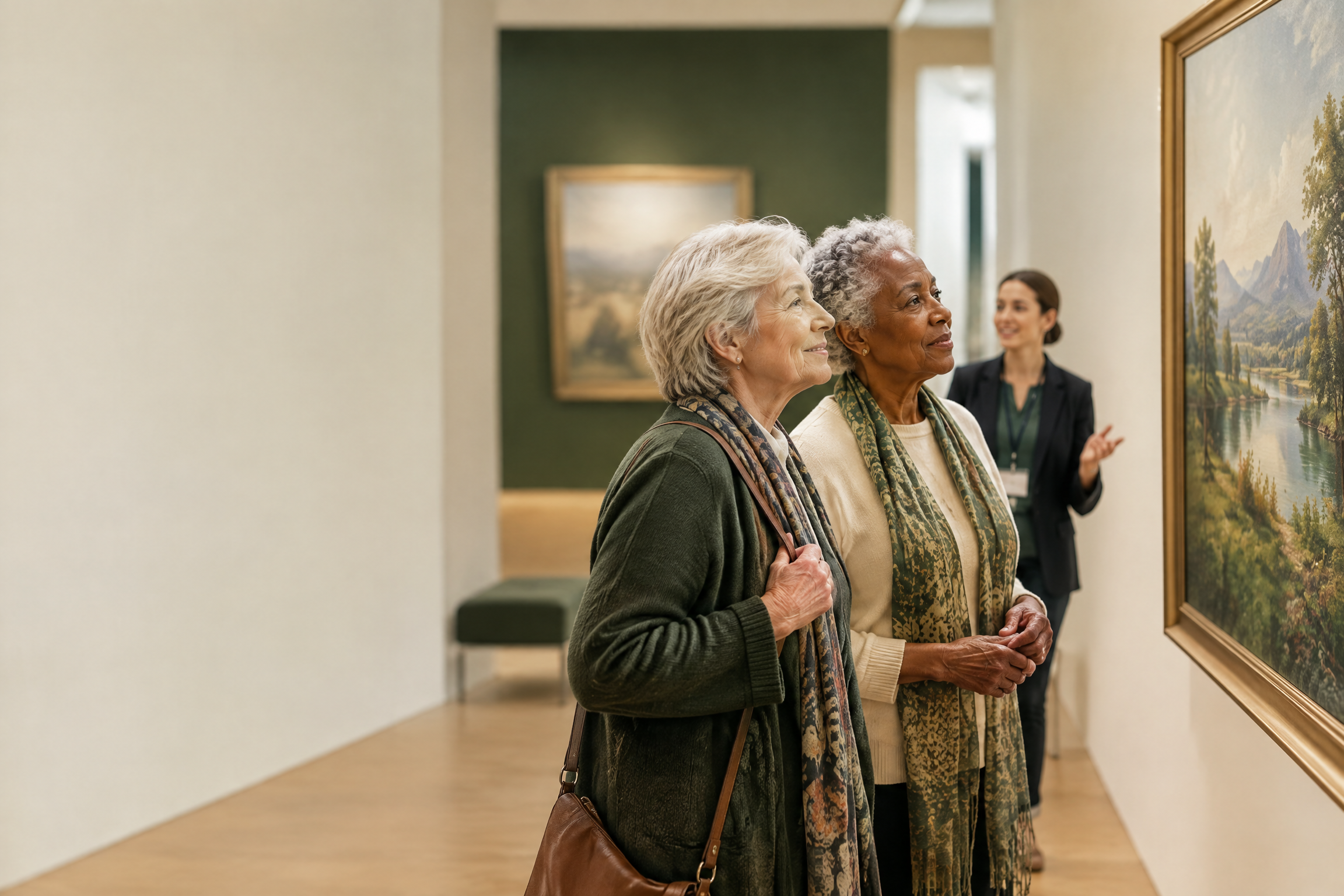
QR Codes on Headstones: Permissions, Privacy and Lasting Care
A practical guide to adding a QR memorial code without assuming permission, permanence, or privacy: confirm the cemetery’s rules, separate the code from the hosted archive, and make a family handover plan.
 Family Heritage
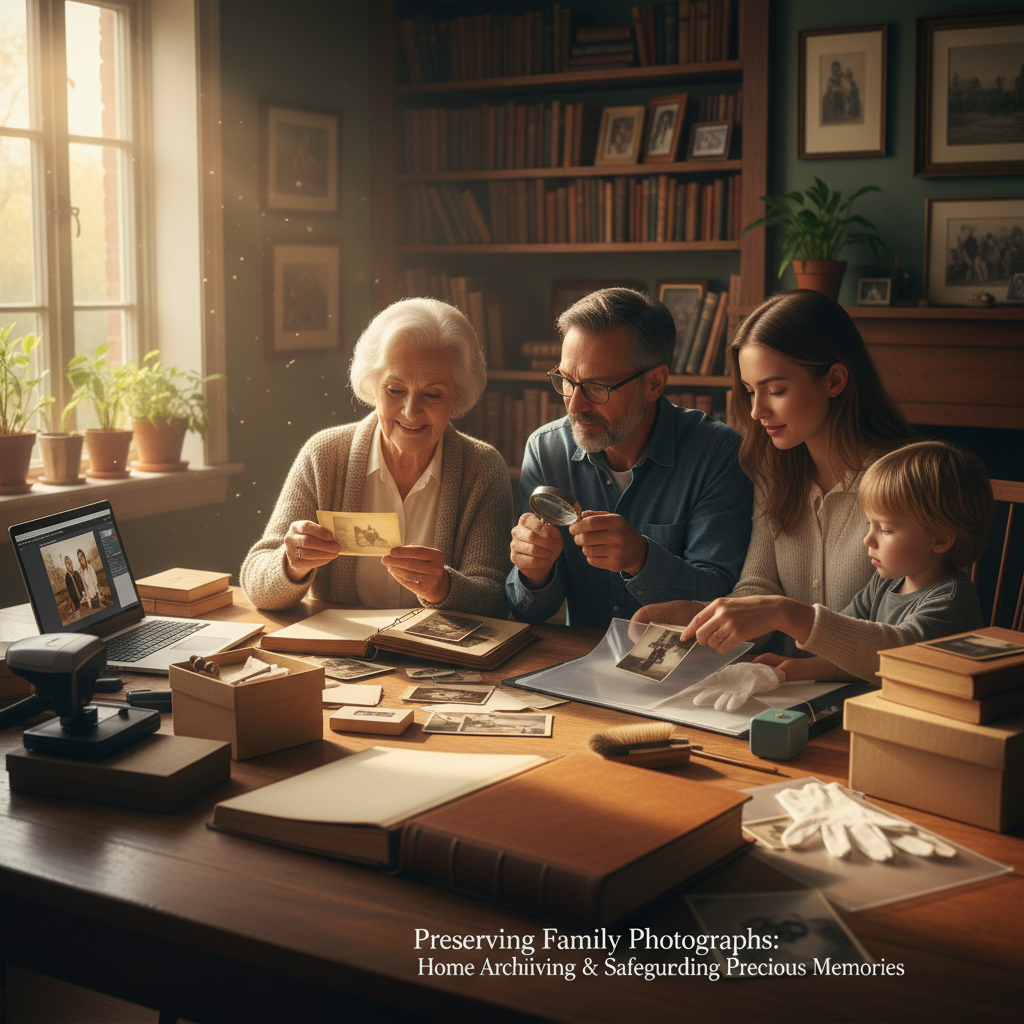
Preserve Old Family Photos: Safe Storage, Scanning and Backups
Protect old family photographs at home with safer handling, photo-safe storage, non-destructive scanning, clear metadata, and reliable backups—without risky cleaning or DIY restoration.
 Family Heritage
Humanist and Celebrant-Led Funerals: A Guide for Non-Religious Farewells
A detailed guide to modern, personalized end-of-life ceremonies focused on values, poetry, favorite music, and authentic storytelling rather than traditional liturgy.
Share the story
Family discussion cards
Take one card at a time. There are no right answers—only memories worth hearing.
What memory did this article bring to mind?
Who in the family might have a story or photograph to add?
What is one small thing we could save, share, or do next?
A quiet conversation can be a meaningful family keepsake.
Subscribe to MemContinuity Publications
Receive thoughtful reflections, local heritage guides, and slow travel stories delivered directly to your inbox. No spam, privacy respected.