Preserve Old Family Photos: Safe Storage, Scanning and Backups
Protect old family photographs at home with safer handling, photo-safe storage, non-destructive scanning, clear metadata, and reliable backups—without risky cleaning or DIY restoration.
A compatible device voice is not available. You can still read this article on screen.
 Family Heritage
Detailed article
Use the text-size control at the top for larger text, or switch back to Easy Read at any time.
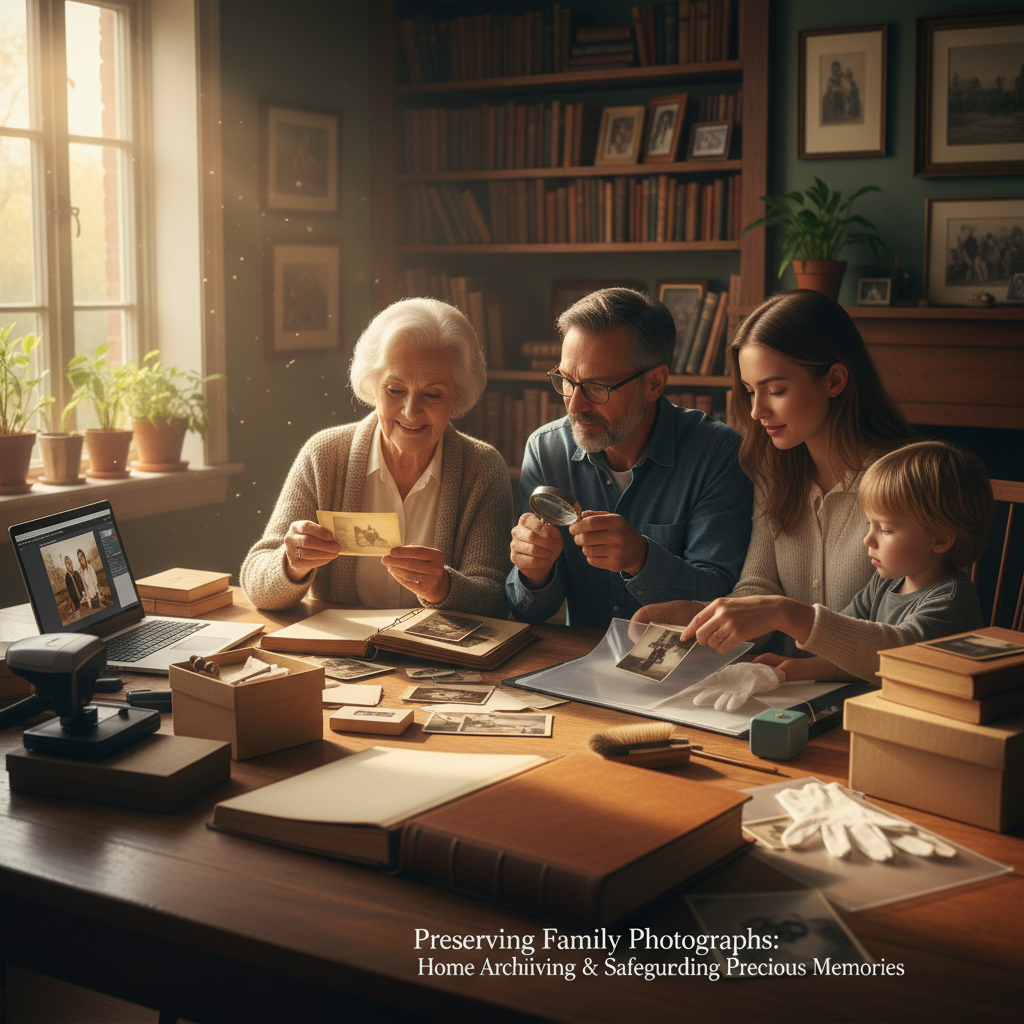
How to Preserve Old Family Photos at Home: Safe Storage, Scanning, and Backups
The safest way to preserve old family photos at home is to handle them as little as possible, move them into stable and photo-safe storage, digitise them without changing the originals, and keep labelled copies in more than one place. Do not try to wash, peel, glue, tape, or “restore” a damaged original. Better storage and a careful scan solve many access problems without creating a permanent new one. The Library of Congress guidance on photograph care and the Northeast Document Conservation Center guidance both put preventive care ahead of intervention.
Begin with a small, calm survey
A box of family photographs can feel like hundreds of separate decisions. Start with one box, album, or envelope, and make broad groups before identifying every face: loose prints, albums, negatives or slides, framed photographs, and items that look fragile. The Library of Congress suggests working in broad “clumps” first and refining the arrangement in later passes. That is a useful way to make progress without treating the project as an emergency.
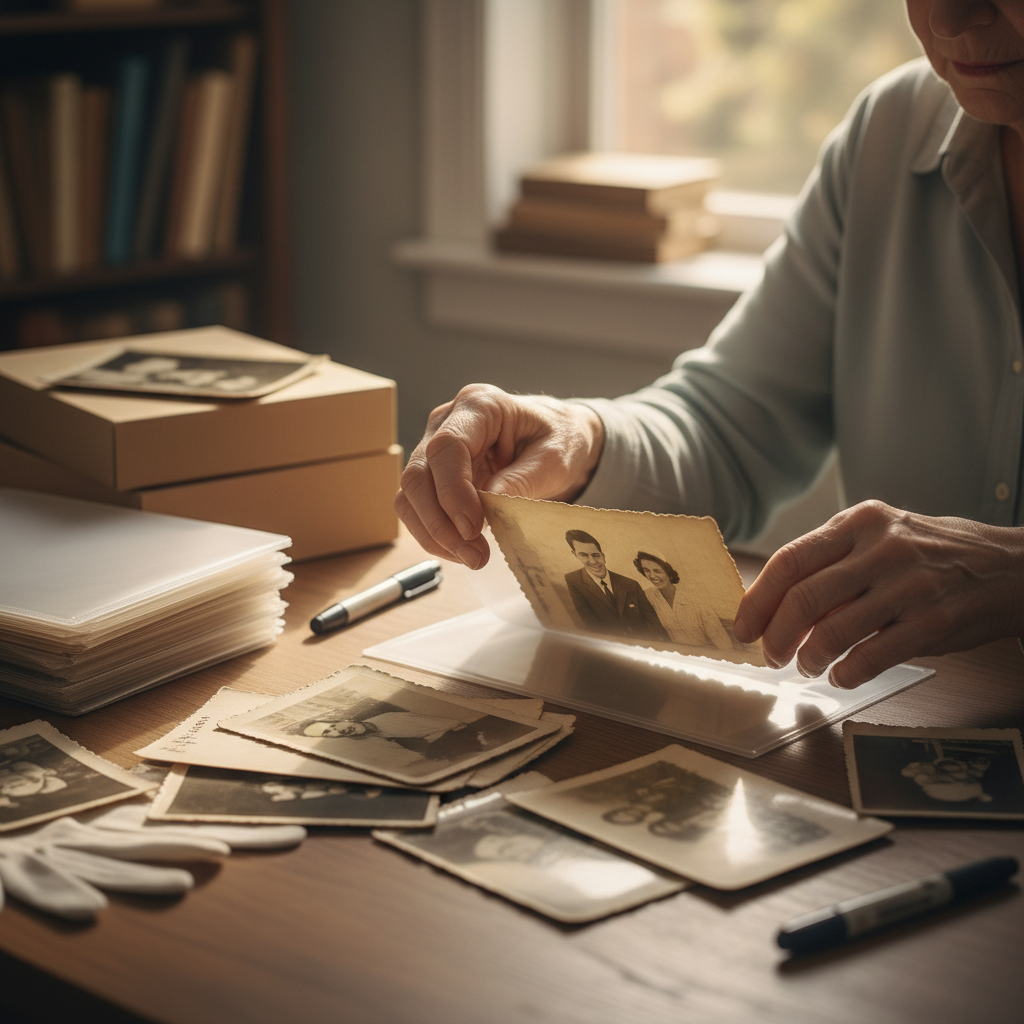
Set up a clean, dry table away from food, drink, pets, and open windows. Handle prints by their edges or by the enclosure beneath them. Clean, dry hands are suitable for many prints; clean nitrile gloves can be useful for metal, glass, or plastic photographic objects, but gloves can also reduce dexterity. Avoid touching the image surface. Do not add sticky notes, paper clips, rubber bands, tape, or labels directly to a photograph. These are all precautions recommended by the Library of Congress.
Make a simple first-pass record on paper or in a spreadsheet: a temporary box number, approximate date range, family branch, and any obvious concern. Mark items that are stuck together, mounted on self-adhesive pages, cracked, flaking, damp, or possibly mouldy. Do not try to separate or repair them at home. The Library of Congress notes that condition problems may need a photograph conservator; stopping before an improvised fix is often the most protective decision.
Give originals a safer home
Photographs last better in a cool, relatively dry, stable place than in a hot attic, damp basement, garage, or spot near a radiator, vent, fireplace, or exterior wall. For mixed photographic collections, the Library of Congress gives a general target of 30–50% relative humidity and 70°F / 21°C or below, with stability as important as the number itself. The NEDCC similarly warns that heat, high humidity, and repeated changes can speed deterioration and encourage mould. A cupboard in an interior part of the home is often a more realistic starting point than trying to create museum conditions.
Use individual paper sleeves, folders, or inert plastic sleeves inside photo-safe boxes where practical. Look for products described as meeting ISO 18902 and passing the Photographic Activity Test (PAT). Suitable plastic enclosures include uncoated polyester, polyethylene, and polypropylene. Do not assume any “acid-free” product is appropriate for photographs, and avoid PVC, ordinary coloured paper, glassine, and old self-adhesive or “magnetic” albums. These material distinctions come from the Library of Congress and NEDCC.
Keep prints from rubbing against one another, support brittle or oversized prints flat, and keep negatives separate from prints where possible. Minimise display time and direct light. If a picture is important enough to keep on show, display a good copy and store the original in the dark. Light damage is cumulative and irreversible, according to NEDCC guidance.
For an album with sticky pages, treat the page as the object: photograph or scan the full page first, including captions and arrangement. Do not pull up corners, soften adhesive, or slide tools underneath. The arrangement may carry information, and the risk of tearing the photograph is not worth a faster result. A conservator can assess whether any further treatment is appropriate.
Digitise for access, not as a reason to discard the original
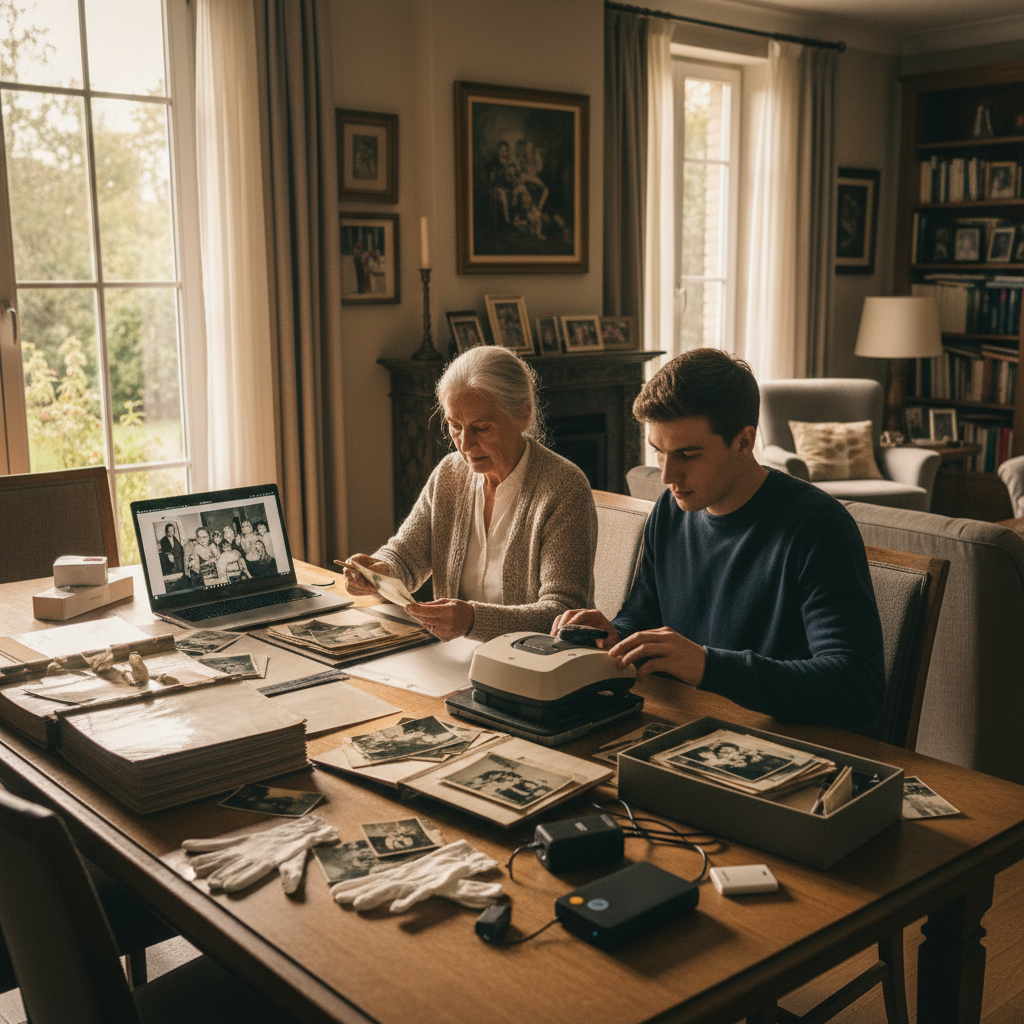
A scan makes a photograph easier to view, share, and describe, but it does not replace the original object. Scan the items that are most meaningful, most at risk, or most frequently requested first. Include a full view of the print, its edges, and the reverse when it holds names, dates, studio marks, or messages. For albums, capture the page as well as any individual image you need.
Use your scanner’s optical capture settings rather than a one-size-fits-all number. Small prints, negatives, and slides may need more detail than a large print intended only for screen viewing, so make a test scan and inspect it at the size you expect to use. Keep one complete, unedited, full-size scan as the master. Save any corrected slideshow or print version as a separately named access copy. Do not crop away borders, inscriptions, or damage from the master: those details can aid later identification.
Household scanners, photograph types, and intended uses vary. A repeatable workflow that leaves the physical original untouched and records what was captured matters more than a headline setting. The Library of Congress describes scanning as a way to preserve and share digital versions while recommending manageable priorities and organised files.
If you would like a separate, careful discussion of making viewable digital copies, see our guide to restoring vintage family photographs with care. Keep the original scan and any edited version together, but never overwrite one with the other.
Name files so another person can understand them
A filename is a finding aid, not a full history. Give each physical item a stable identifier, then use the same identifier in the filename, folder, and description. The Library of Congress notes that descriptions can be added to digital photos and that files can be renamed without changing their contents; it also recommends keeping digital files organised and backed up on a separate drive.
Here is an illustrative filename, not a required standard:
1948-06-00_Pereira_Ana-and-Joan_Barcelona_PH-0042_master.jpg
In this example, 00 means the month is known but the day is not. Use a clear local convention rather than pretending an uncertain date is exact. If only a decade is known, write that uncertainty in the description, such as “c. 1940s, identified by Marta Pereira, 2026-10-25.”
A usable description record
Keep a short text file, spreadsheet, or catalogue note with the scans. For each item, record:
- Item ID and filename.
- Who or what appears, with spellings and any uncertainty.
- Date and place, including whether they are estimated.
- Who supplied the identification or story and when.
- The physical source, such as “Album 2, page 14” or “Grandfather’s blue box.”
- A brief condition note and the date and method of digitisation.
- Any sharing restriction, privacy concern, or known copyright information.
An illustrative folder structure is Family_Photos/01_masters, Family_Photos/02_sharing-copies, and Family_Photos/03_descriptions-and-inventory. The aim is simply to show a future relative which file is the original scan and where it came from.
Back up the scans and preserve the stories with them
Keep the working scan folder on your computer and a copy on a separate external drive, as the Library of Congress recommends. As a practical extra safeguard, keep a third copy in another location, such as a password-protected storage account or regularly updated off-site drive. Periodically open a sample of master files and confirm the inventory still points to them.
Do not make one phone, email inbox, or social-media account the only family archive. Shared copies are not a substitute for named masters with descriptions. If a relative can identify people or explain an event, write down their wording and the date of the conversation. You can pair the photographs with a short recording using our guide to recording a family story at home, and apply the same calm storage principles to handwritten letters and postcards.
For research into a Catalan place, business, school, or local event that appears in a family photograph, the Generalitat’s official Arxius en línia portal searches holdings and digital objects from the National Archive of Catalonia, the county archive network, and some municipal and private archives, including photographs. It is a public resource, not a MemContinuity partner. Check each record’s rights and the portal’s terms before downloading, changing, or republishing an image.
One-box family photo preservation worksheet
Use this as a stopping point for each box or album. A completed small batch is more useful than an ambitious plan left unfinished.
- Assign the box or album a label and write its broad date range and family connection.
- Flag stuck, broken, damp, flaking, or possibly mouldy items; leave them unchanged and set them aside for professional advice.
- Put stable loose prints into photo-safe sleeves or folders and a labelled photo-safe box.
- Scan a manageable priority set, capturing the reverse or album page where it adds information.
- Save an unedited master and label any edited or sharing copy as a different file.
- Add names, date/place estimates, source, and identifier to the inventory while the context is still available.
- Copy the completed batch to a separate drive and confirm that a sample file opens.
Questions families often ask
Should I clean dusty or stained photographs before scanning?
Do not use water, household cleaners, tape, erasers, or brushes on an old photograph. The Library of Congress warns that even soft brushes can scratch photographic surfaces. Scan it as found, and seek a photograph conservator if its condition prevents safe handling.
Can I remove pictures from a sticky “magnetic” album?
Not as a home project. The Library of Congress advises avoiding self-adhesive and magnetic albums because they can damage photographs. Capture the page and its captions first, then seek specialist advice if removal is important.
What scan resolution should I use?
There is no single correct setting for every photograph. Choose based on the original’s size and your planned use, then make a test scan. Prioritise a complete, unedited capture and a documented workflow over chasing a headline number.
Do I need to know every name before I scan?
No. Give the item a stable ID and record what is known now, including who supplied a tentative identification. Clear uncertainty is more useful than a confident guess that later becomes family “fact.”
Is a cloud folder enough for backup?
It is better than having one copy, but it should not be the only copy. Keep an organised local copy and at least one separate backup destination, then check access from time to time.
Sources and scope
This guide adapts preventive care and personal-archiving principles for a household collection; it is not a condition assessment or restoration plan. Photographic processes differ, and damaged, stuck, mould-affected, nitrate, acetate, glass, or otherwise unstable materials may need individual advice from a photograph conservator.
- Library of Congress — Care, Handling and Storage of Photographs
- Northeast Document Conservation Center — Care of Photographs
- Library of Congress — Your Personal Archiving Project: Where Do You Start?
- Generalitat de Catalunya — Arxius en línia
Choose one box, complete the worksheet, and leave uncertain or damaged originals unchanged until you can get appropriate advice. The practical goal is not to make every photograph look new. It is to keep the original, its context, and a usable digital copy connected for the next person.
Reading path
Continue this topic
Practical, unhurried steps for looking after photographs, letters, and treasured objects without feeling overwhelmed.
Pillar guides in this path
Printable checklist
One-Box Family Photo Preservation Checklist
A gentle next step
Keep a related family story
If this topic brings a family memory to mind, you can save it at your own pace.
“Thank you for sharing this quiet moment of reading with us.”
Every piece in the MemContinuity library is preserved to spark gentle conversations, honor generational memory, and support the health and comfort of our families.
MemContinuity editorial team
EN-HERITAGE-20260929-102 · Publication archive reference
Cross-device reading sync
Sign in to your MemContinuity account to optionally sync your article reading progress across your phone, tablet, and computer.
Themes & topics
Editorial guidance & care
Our publications are designed to be practical, gentle, and respectful. For specific medical, mobility, or travel arrangements, we recommend consulting local providers or relevant municipal services.
Continue with purpose
Part of a curated reading journey
Related publications
 Family Heritage
QR Code Headstones: Bringing Digital Memorials to the Graveside
Explaining the growth of physical-to-digital gravestone integration, allowing visitors to scan respectful QR plaques and revisit cherished photo archives, voice memories, and family histories right at the memorial stone.
 Family Heritage
Humanist and Celebrant-Led Funerals: A Guide for Non-Religious Farewells
A detailed guide to modern, personalized end-of-life ceremonies focused on values, poetry, favorite music, and authentic storytelling rather than traditional liturgy.
 Family Heritage
Caring for a Parent with Dementia: A Practical and Gentle Guide
Caregiving strategies for dealing with cognitive decline, preserving dignity, establishing calm daily routines, and supporting caregiver emotional wellbeing across Europe.
Share the story
Family discussion cards
Take one card at a time. There are no right answers—only memories worth hearing.
What memory did this article bring to mind?
Who in the family might have a story or photograph to add?
What is one small thing we could save, share, or do next?
A quiet conversation can be a meaningful family keepsake.
Subscribe to MemContinuity Publications
Receive thoughtful reflections, local heritage guides, and slow travel stories delivered directly to your inbox. No spam, privacy respected.