Restoring Vintage Family Photographs with Care
A careful guide to handling, scanning, organizing, and digitally retouching family photographs while protecting the original print and its history.
A compatible device voice is not available. You can still read this article on screen.
 Family Heritage
Detailed article
Use the text-size control at the top for larger text, or switch back to Easy Read at any time.
A careful approach to family photographs
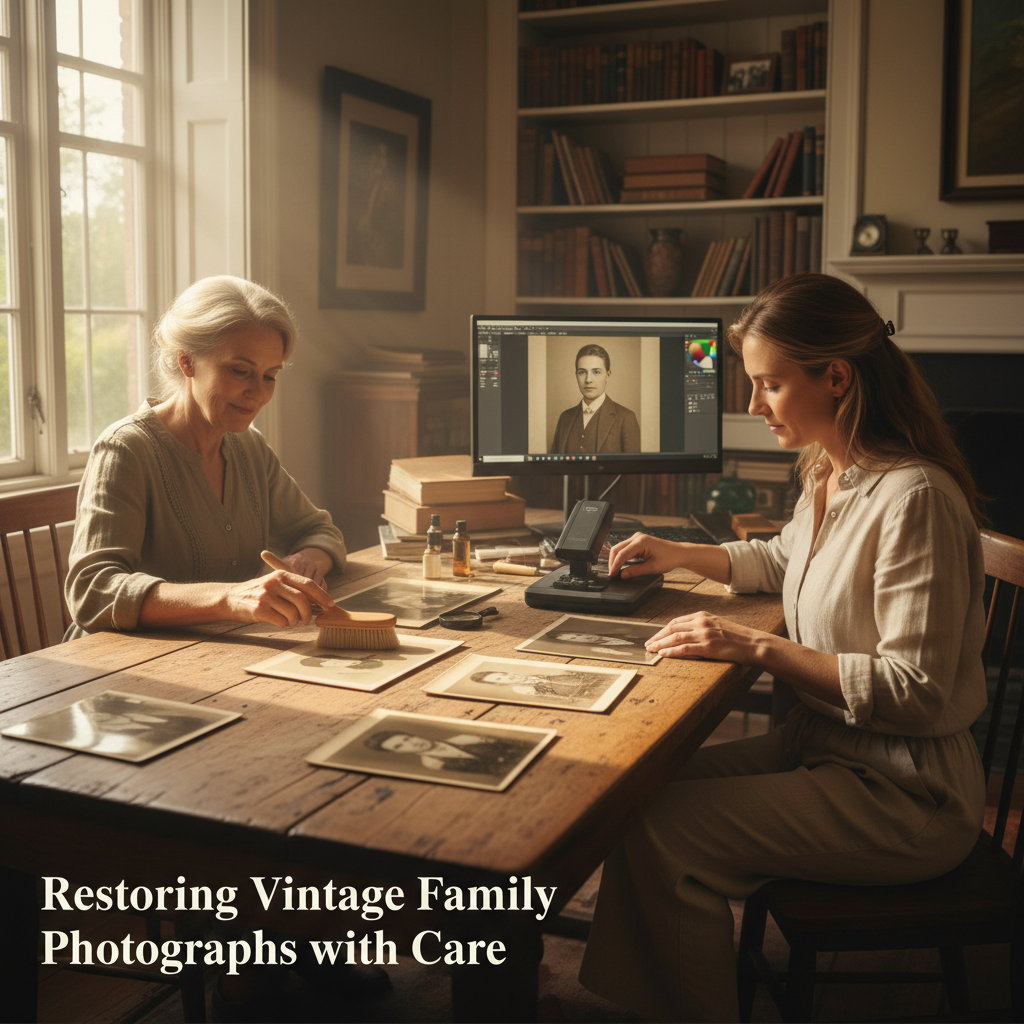
Old photographs invite questions about who is pictured and what was happening. Caring for a vintage print begins with protecting the physical object, not polishing or repairing it. Photographs are made from varied materials, so a safe home project focuses on careful handling, a faithful digital copy, and modest edits to that copy rather than intervention on the original.
Digitizing can make an image easier to share while reducing repeated handling, but the original still matters. The National Archives advises keeping originals after digitization, since digital files can also be lost. A scan is a useful access copy, not a substitute for the physical photograph or its provenance.
Before you begin: make a safe workspace
Choose a clean, dry, well-lit table with enough room to support the print fully. Keep food, drinks, pens, adhesives, and clutter elsewhere. Wash and dry your hands. The Library of Congress recommends clean hands or clean nitrile gloves, while noting gloves can reduce dexterity; whatever you use, avoid touching the image area. Hold a print gently by its edges, or leave it in a sound sleeve and support it on a clean, rigid board as you move it. For a large, mounted, cracked, or awkward photograph, use two hands and do not let it bend under its own weight.
Look at the item without trying to clean it first. Notice whether it is curled, brittle, torn, flaking, stuck to glass, mounted, or marked with old tape. If it is fragile, damp, mouldy, has loose image material, or resists being moved, stop. Do not peel it from an album or frame, flatten it with weights, unfold it, or apply household remedies. Seek advice from a photograph conservator, especially for an irreplaceable image or a print with significant damage. The Library of Congress notes that the materials and photographic process affect appropriate care; age alone does not tell you what treatment is safe.
Make a digital copy without stressing the print
For a flat print in stable condition, a flatbed scanner with a clean glass platen is usually a practical option. Check that the entire photograph fits on the scanner bed and that the lid closes without pressing, bending, or crushing the original. Do not force the lid down. The National Archives cautions against automatic-feed scanners for fragile, weak, bent, or valuable materials because they can jam and tear them. If the print is larger than the scanner, mounted, unusually delicate, or physically unstable, photograph it in place or ask a conservator or digitization service about a suitable method rather than forcing it onto a small bed.
Make a full-frame capture that includes the entire object. Do not trim away borders, handwritten notes, studio marks, or evidence of mounting. A viewing crop can be useful, but keep an unaltered master scan of the complete photograph. Where practical, save a high-quality master and a separate smaller sharing copy. Never overwrite the master when editing.
Retouch the scan, not the heirloom
Treat digital restoration as a reversible interpretation. Save an untouched master, then make a duplicate for edits. Adjust brightness, contrast, or colour gently, comparing the result with the physical print under neutral light. Older colour photographs may have shifted or faded; software cannot know with certainty what the original colours looked like. Keep the scan’s original appearance alongside any corrected version.
Small specks on the scan can sometimes be removed digitally. Reconstructing scratches, missing corners, tears, stains, or blurred faces requires invention. If you make a repair copy, label it as digitally retouched and leave the master unchanged. Do not erase inscriptions or add detail that cannot be seen in the source; an imagined repair can mislead future viewers.
Physical cleaning deserves even more caution. The Library of Congress warns that even soft brushes can scratch or otherwise damage photographic surfaces, and recommends an air bulb—not canned air—for loose dust. If you are uncertain whether particles are loose or embedded, skip cleaning. Never use water, solvents, polish, erasers, adhesive tape, or household cleaning products on a photograph. Do not write on the image side. If a caption is needed, write on the enclosure instead; even writing on the back can be unsuitable for some prints.
Keep a record with the image
A useful digital file should carry enough context to remain understandable when separated from the family member who scanned it. Use a clear filename, such as family-name_person-or-event_approx-date_master, without treating an uncertain date as exact. Keep a simple note with the names or possible identifications, the source of that information, the place if known, the scan date, and whether the file is an untouched scan or an edited copy. Mark uncertainty plainly: “possibly,” “identified by,” or “date unknown” is better than turning a family guess into a firm label.
Invite relatives to contribute memories, but ask permission before recording or sharing someone's story or voice. Respect anyone who prefers not to be identified or asked about a difficult period. Do not press for an answer; a conversation can be valuable even when no name or date is resolved.
Store the original and back up the scan
After scanning, return the print to a protective enclosure and a cool, dry place with stable conditions, away from prolonged light, damp basements, hot attics, radiators, and water risks. Use enclosures sold as photo-safe; the Library of Congress describes suitable paper or plastic enclosures and advises against materials that have not met photographic storage standards. Avoid sticky “magnetic” albums, pressure-sensitive tape, rubber bands, and ordinary envelopes that may not be appropriate for photographs. If the print is brittle or unusual, ask a conservator before choosing a sleeve or changing its housing.
Keep digital files in more than one place. The National Archives suggests the 3-2-1 approach: three copies, on two types of media, with one copy stored off-site. For a household, that might mean a computer copy, a separate external drive, and a secure copy in another location. Check occasionally that files still open, and migrate them when storage devices become obsolete. Give relatives a sharing copy rather than the only master file.
A small, unhurried family project
A session can be as simple as selecting one photograph, making a safe scan, and writing down what is known. Set a comfortable pace and let participants observe, contribute, or step away. Useful prompts include: “What can we see in the picture?”, “Who first told us about it?”, and “Which details are uncertain?” Keep factual observations distinct from later recollections. The aim is not to finish an entire collection in one afternoon, but to leave each image better protected and its story more carefully recorded.
The most respectful restoration is often the one that preserves choices for the future: an untouched original, a complete master scan, clearly labelled edited copies, and notes that distinguish evidence from possibility. A photograph can remain imperfect and still be meaningful.
Sources and further guidance
Reading path
Continue this topic
Practical, unhurried steps for looking after photographs, letters, and treasured objects without feeling overwhelmed.
Pillar guides in this path
A gentle next step
Keep a related family story
If this topic brings a family memory to mind, you can save it at your own pace.
“Thank you for sharing this quiet moment of reading with us.”
Every piece in the MemContinuity library is preserved to spark gentle conversations, honor generational memory, and support the health and comfort of our families.
MemContinuity editorial team
MC-HERITAGE-20260913-018 · Publication archive reference
Cross-device reading sync
Sign in to your MemContinuity account to optionally sync your article reading progress across your phone, tablet, and computer.
Themes & topics
Editorial guidance & care
Our publications are designed to be practical, gentle, and respectful. For specific medical, mobility, or travel arrangements, we recommend consulting local providers or relevant municipal services.
Continue with purpose
Part of a curated reading journey
Related publications
 Family Heritage
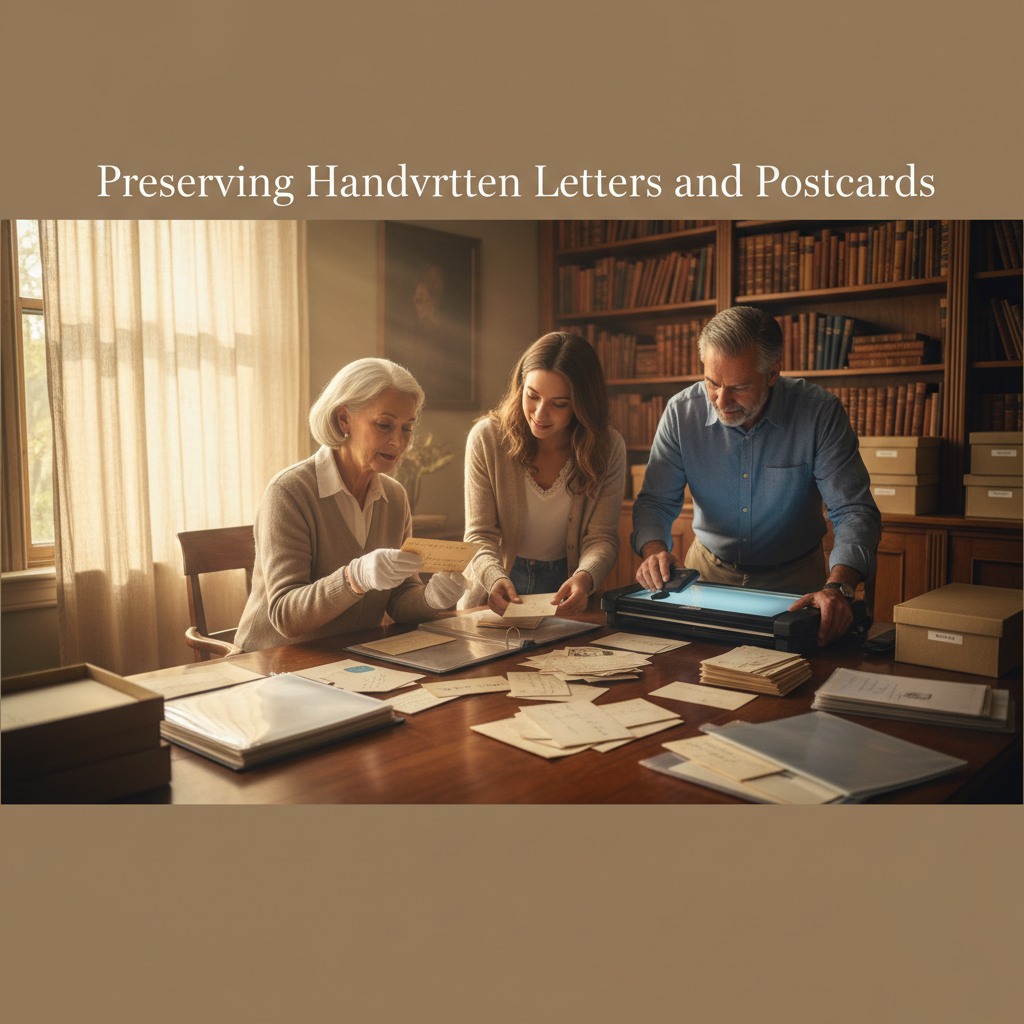
Preserving Handwritten Letters and Postcards
Acid-free storage, safe handling, and scanning techniques to protect decades of postal warmth against yellowing and humidity.
 Family Heritage
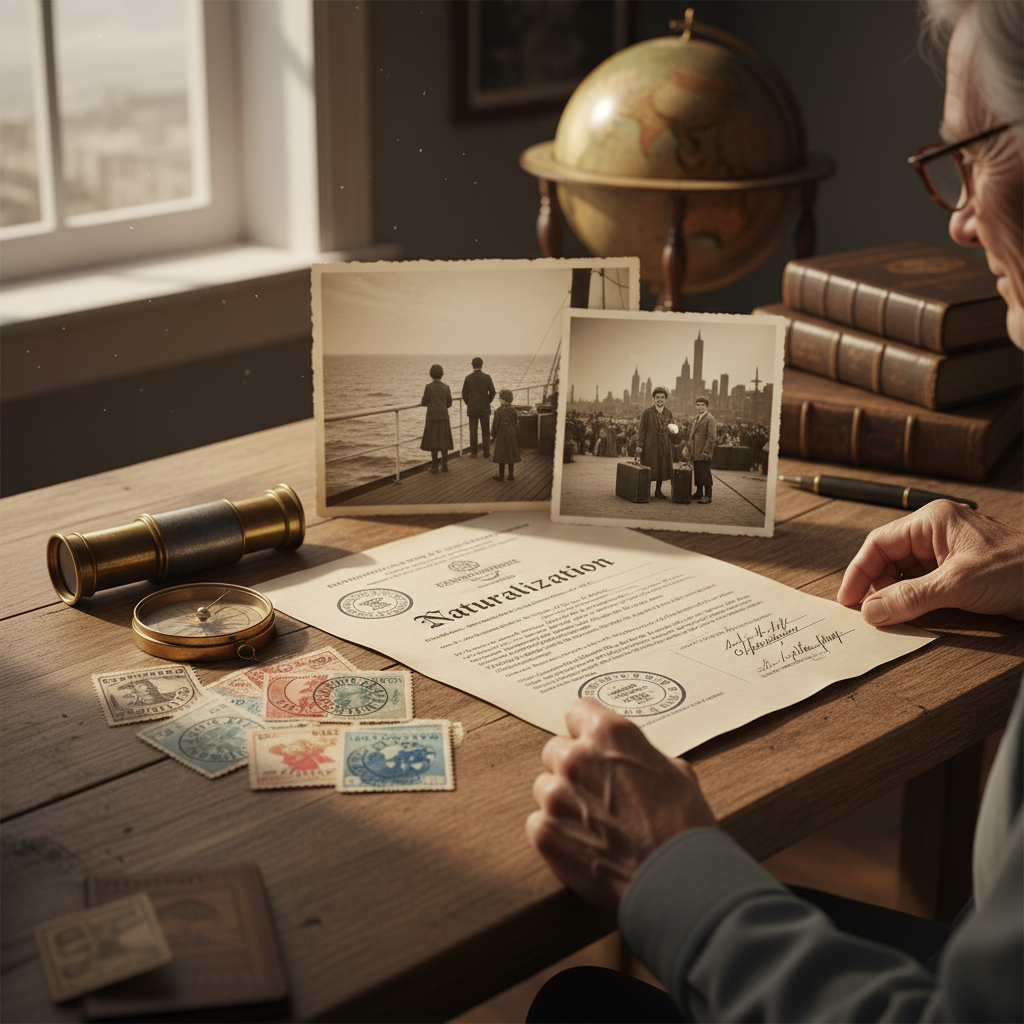
The Ocean Crossing: Documenting Ancestral Migration Routes, Ships, and New Beginnings
Preserving naturalization certificates, passport stamps, and the brave leaps of faith that brought our families to new shores.
 Family Heritage
QR Codes on Headstones: Permissions, Privacy and Lasting Care
A practical guide to adding a QR memorial code without assuming permission, permanence, or privacy: confirm the cemetery’s rules, separate the code from the hosted archive, and make a family handover plan.
Share the story
Family discussion cards
Take one card at a time. There are no right answers—only memories worth hearing.
What memory did this article bring to mind?
Who in the family might have a story or photograph to add?
What is one small thing we could save, share, or do next?
A quiet conversation can be a meaningful family keepsake.
Subscribe to MemContinuity Publications
Receive thoughtful reflections, local heritage guides, and slow travel stories delivered directly to your inbox. No spam, privacy respected.